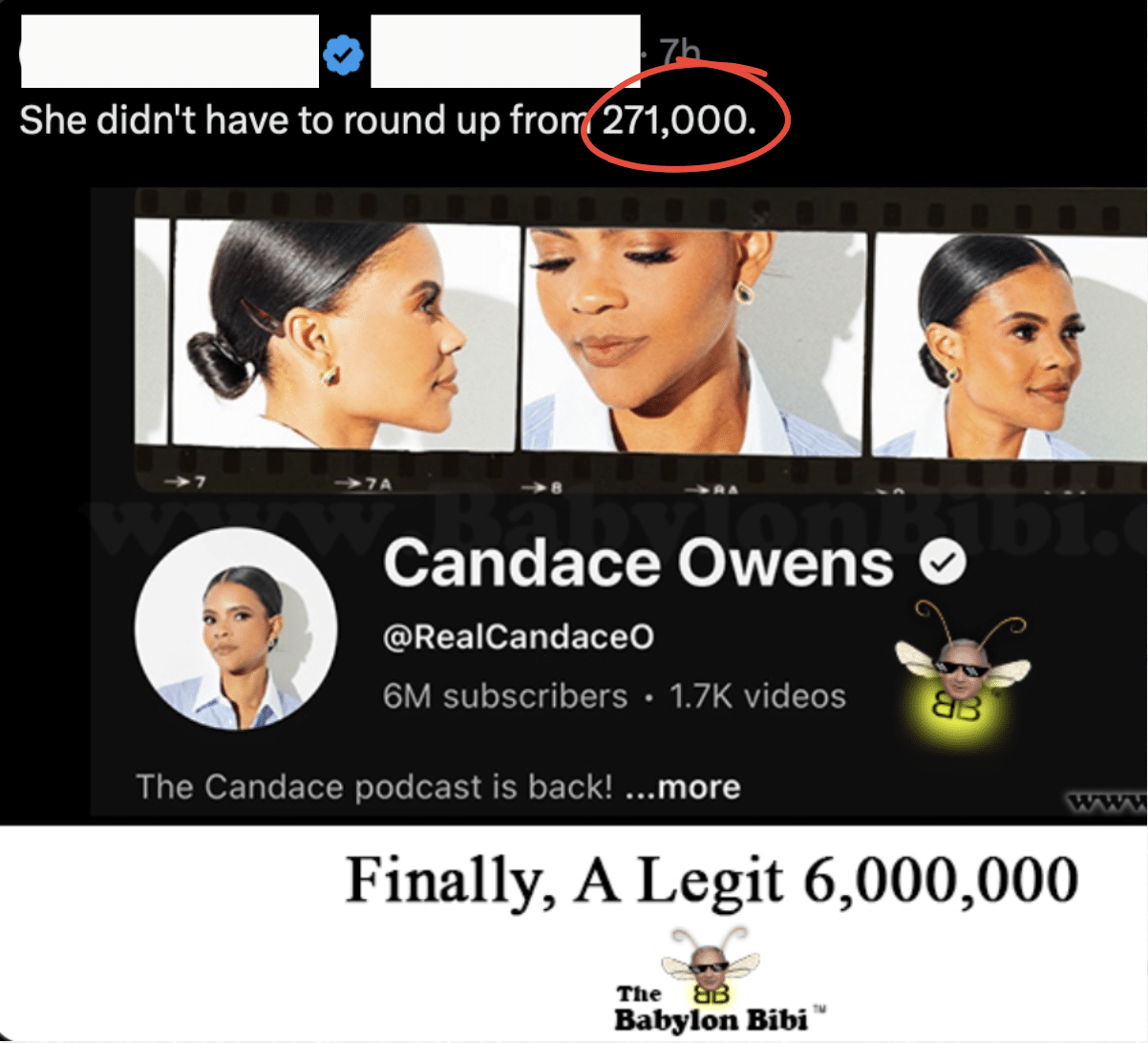
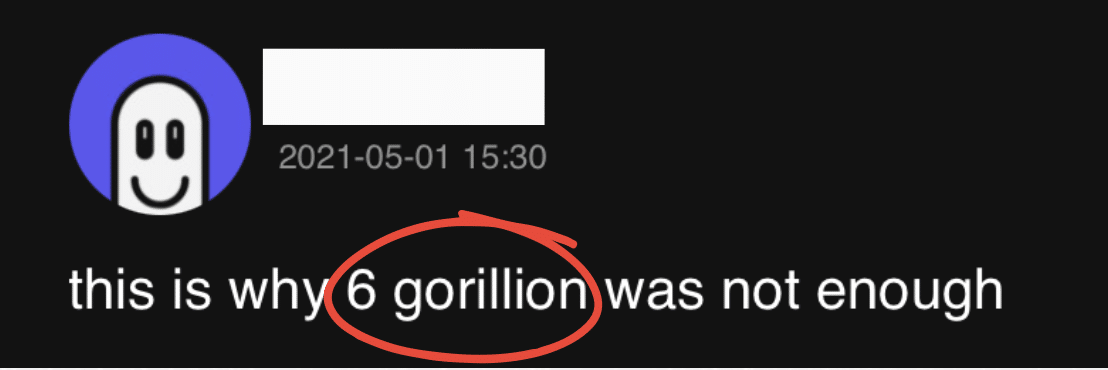
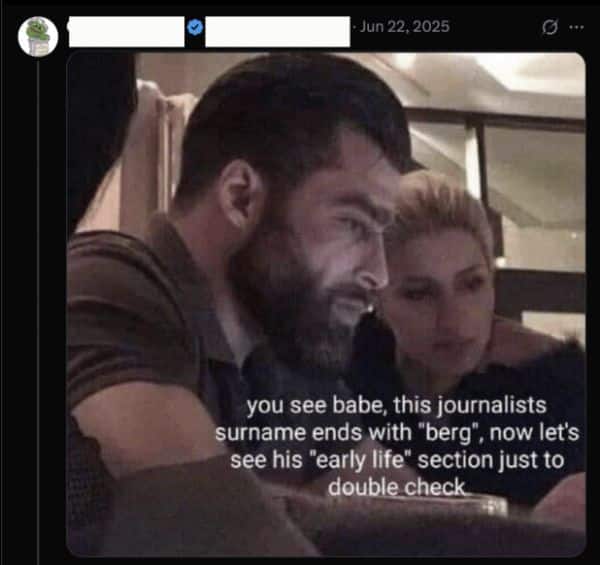
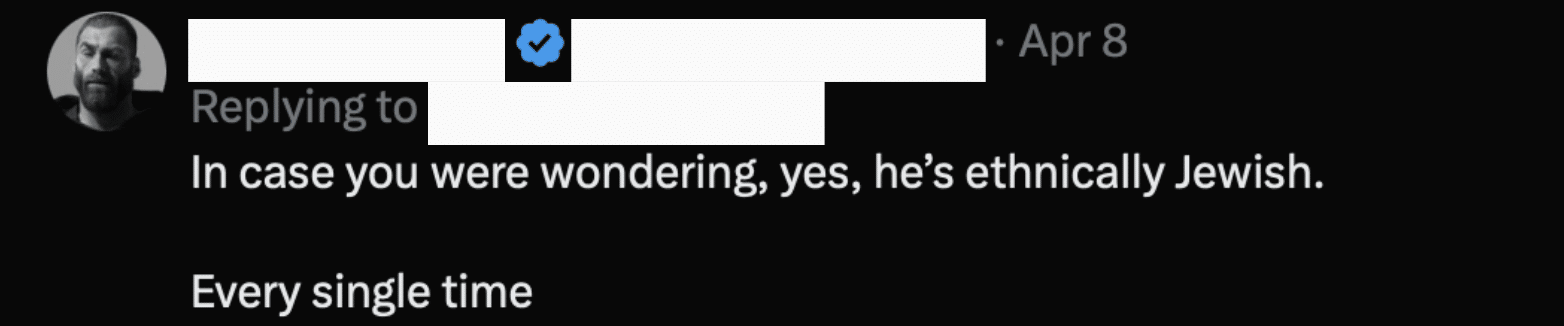
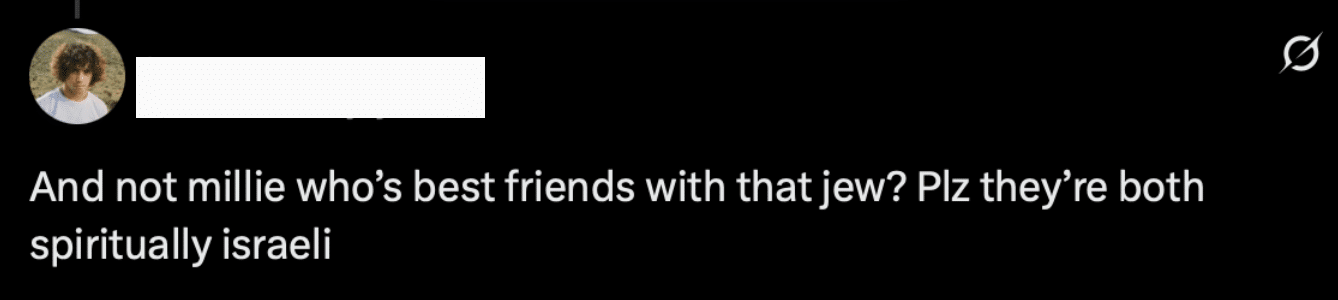
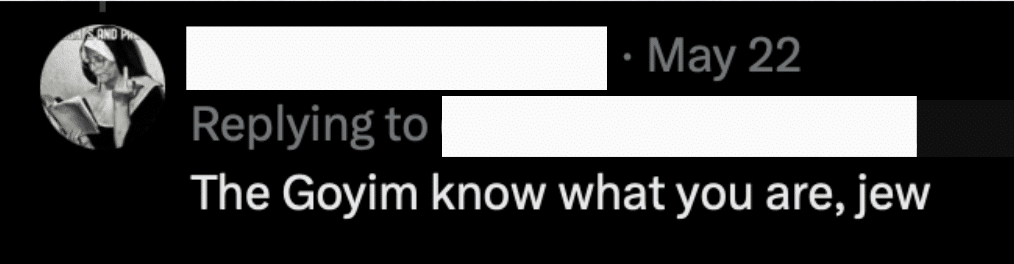
Whether it’s in the comments on an Instagram post, the replies to a post on X, or the depths of a Reddit thread, there has been a surge of antisemitic code words, memes, and conspiracies popping up.
Here is a handy guide on how to identify them:
While some social media sites will block or bury overt antisemitic words and phrases,users have learned to subvert those filters by using emojis and misspellings.
The juice box, or just simply writing “Juice” is a stand-in for the word “Jews.”
Two lightning bolt emojis next to each other are often used as a reference to the SS bolts worn by Nazi soldiers.
The nose emoji is a reference to derogatory caricatures of Jewish noses and used in the same way.
These animal emojis are an assortment of dehumanizing comparisons that have been made about Jews and are often left in the comments of Jewish creators.
Some content is not – or did not originate as – inherently antisemitic. BUT, when deployed in contexts that aren’t about Israel, they are clearly meant to attack Jewish culture and identity. And regardless of intent, these are often an on-ramp to deeper antisemitic conspiracies and many accounts that use these memes also use other examples in this list that are more explicitly antisemitic.
While some memes about Israel are notexplicitly antisemitic, there are others thatare almost exclusively used for Jew hatred. Take this example:
Thanks for reading!
This guide was compiled and created by The Nexus Project, an organization working to combat antisemitism while protecting our pluralistic democracy.
Note that this list is non-exhaustive. If there are other terms you’d like us to include in future guides, let us know.
Subscribe to our newsletter at NexusProject.us/contact
We (nexusproject.us) and selected third parties collect personal information as specified in the privacy policy and use cookies or similar technologies for technical purposes and, with your consent, for experience, measurement and personalized ads as specified in the cookie policy. You can freely give or deny your consent using the options in this panel. Denying consent may make related features unavailable but will not prevent access from content on this website.
Use the “Accept all” button to consent. Use the “Reject all” button to continue without accepting. You can use the preferences tab to customize your experience.
In this panel you can express preferences for the processing of your personal information. You may review and change your choices at any time.